



GovOps360
GovOps360 GovOps360

Manage Your Products

Effortlessly

With a

Centralized System

The Ecommerce Module gives you complete control over product data—from category creation to bulk uploads—ensuring accuracy, organization, and a smooth workflow. Easily manage product details, vendor associations, and catalog updates with streamlined tools designed for operational efficiency.

Centralized Catalog
Keep all product categories, item records, and vendor links in a single, searchable catalog for consistent data management.
Create new product entries fast with a streamlined form for basic info, MSRP, descriptions, and category selection.

Assign vendors during product creation and maintain vendor-product relationships for procurement and inventory clarity.

Upload PDF catalogs to auto-extract product data, review parsed results
Tour The Platform
Ecommerce Capability Overview

Large-Scale Product Management

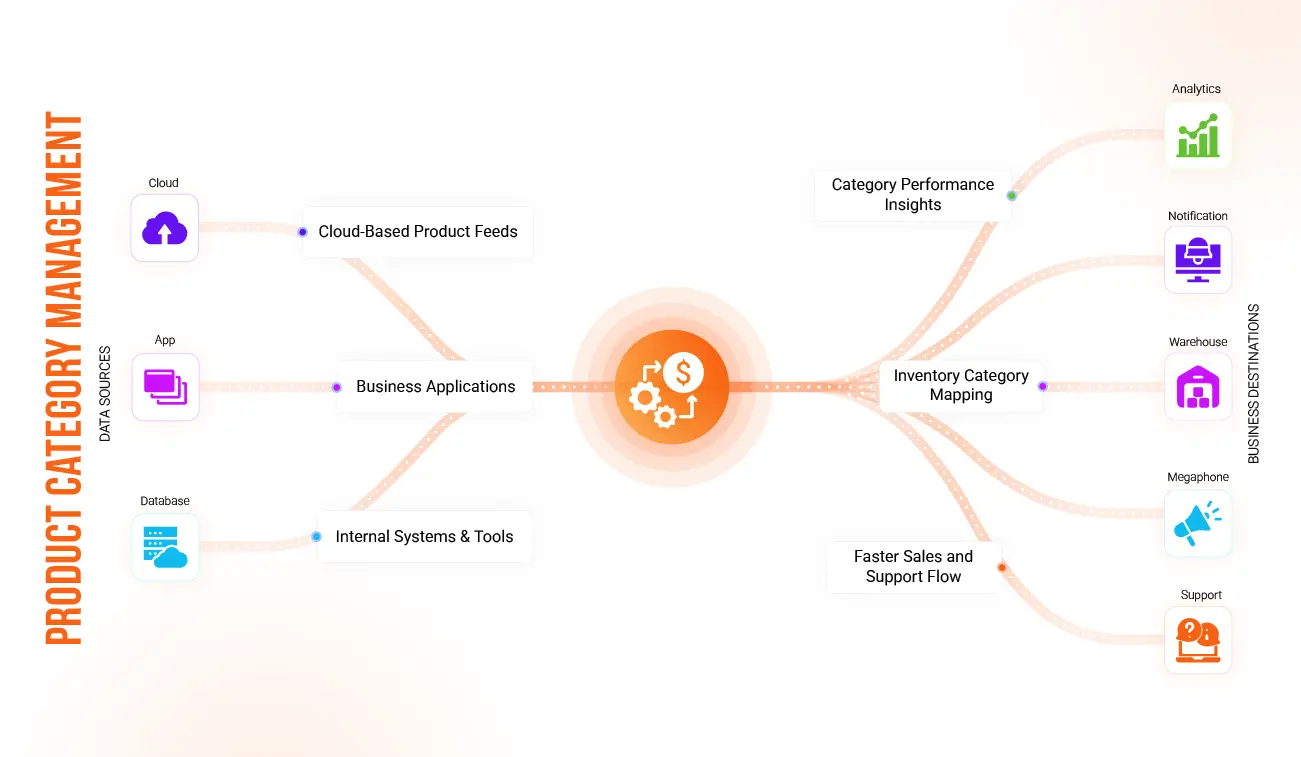
Enhanced Product Category Management

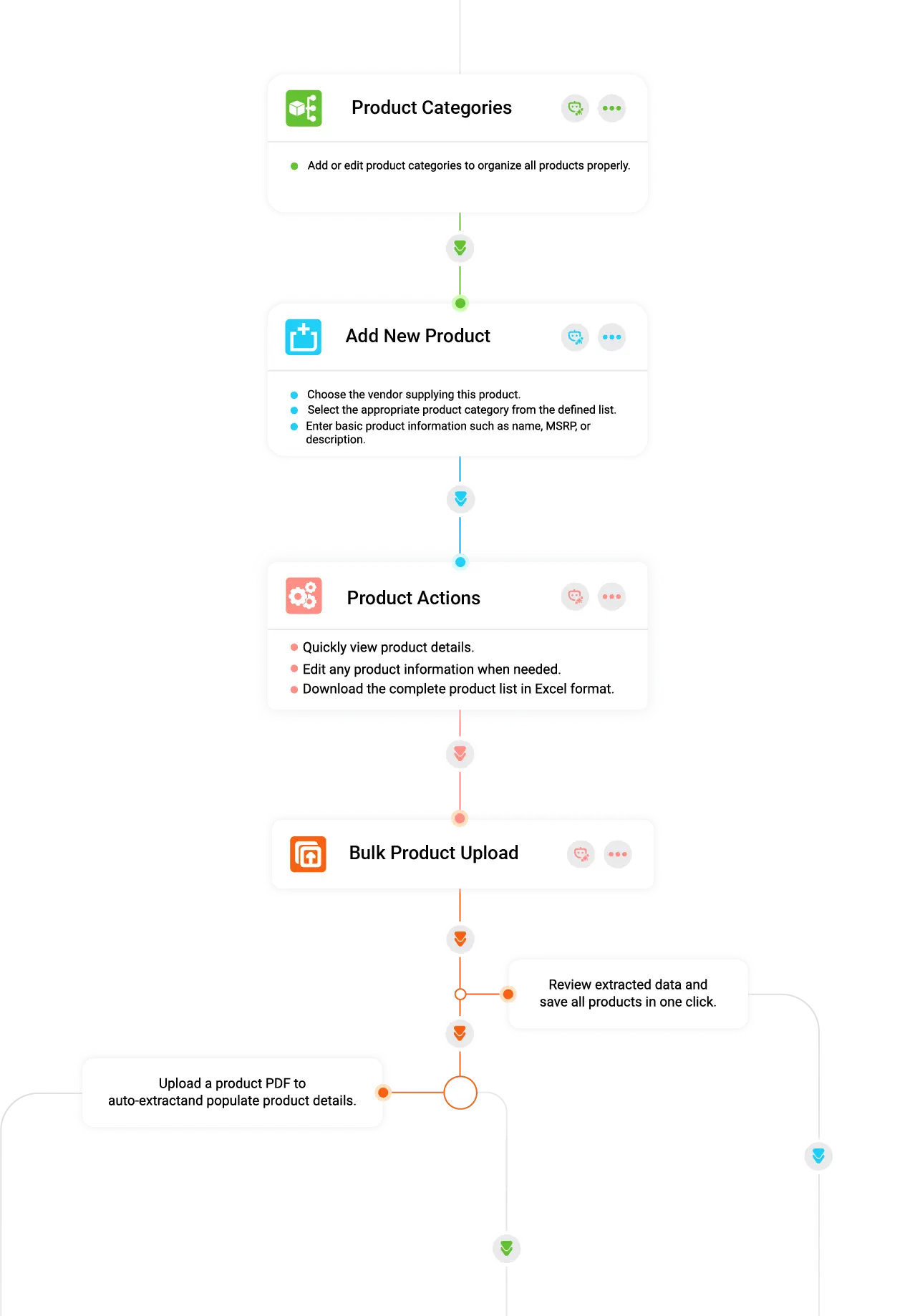
Organize your entire catalog by creating and editing product categories. A structured category system helps maintain clean navigation and ensures every product is assigned to the correct group.

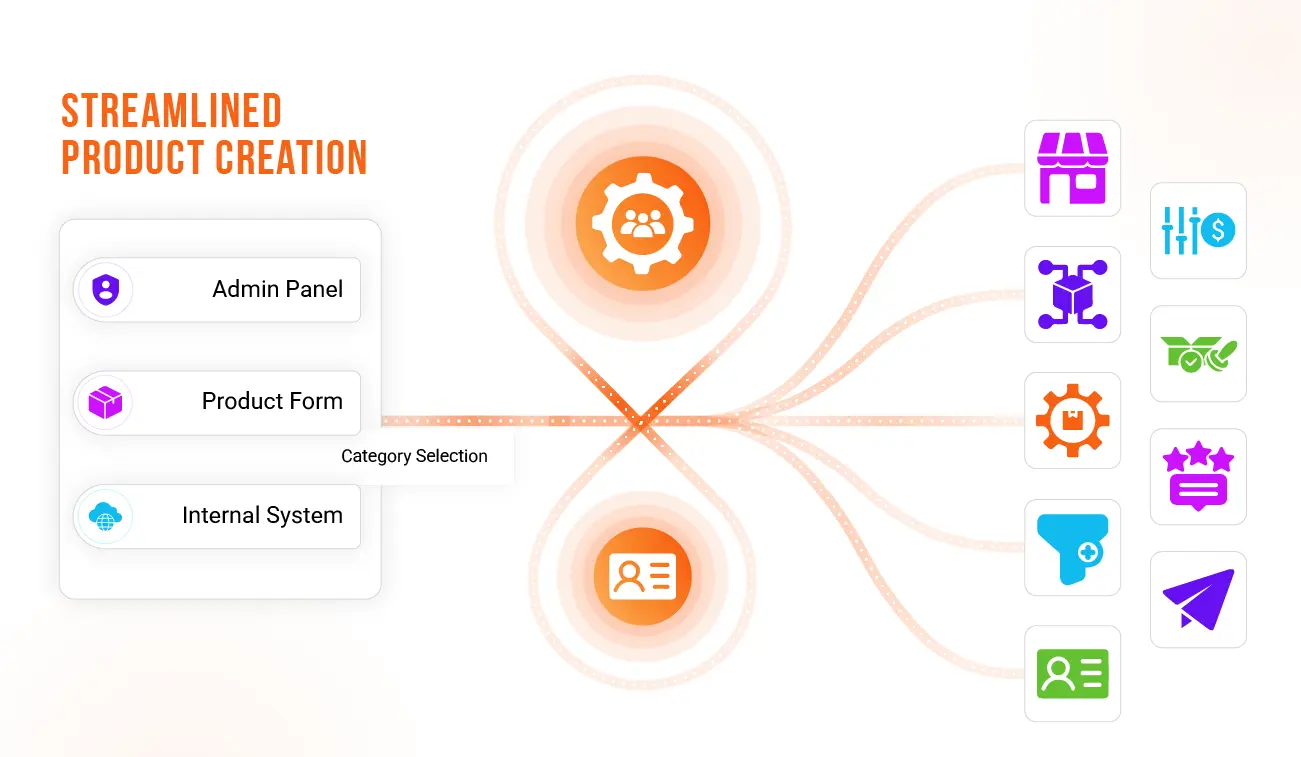
Streamlined New Product Creation

Add products step-by-step by entering basic details such as name, MSRP, and description. Select the relevant product category and assign the appropriate vendor to maintain accurate product-vendor mapping.

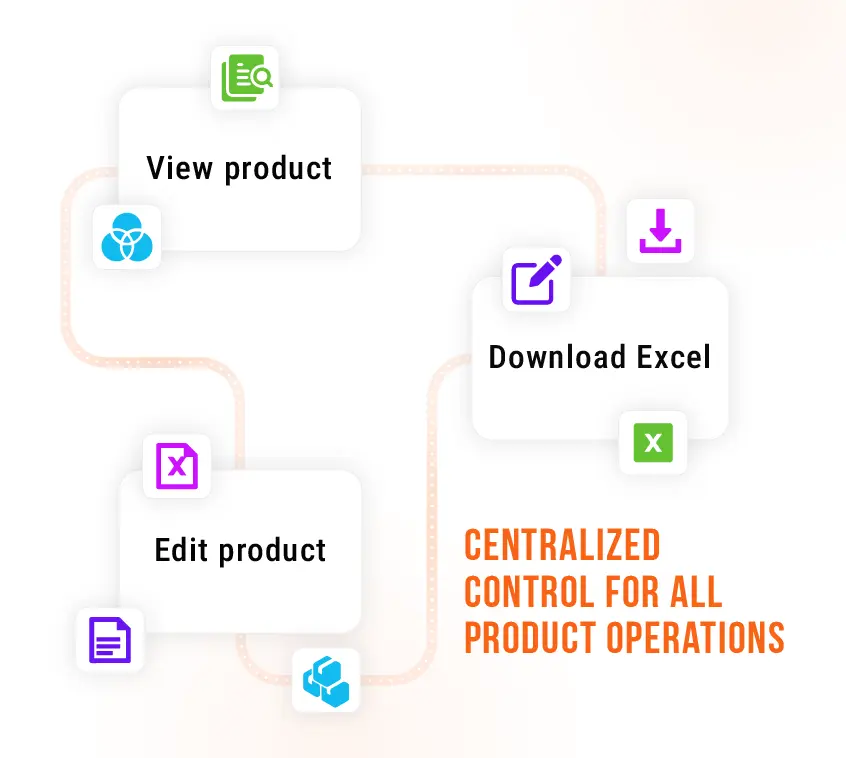
Comprehensive Product Actions

Access essential product controls instantly—view complete product information, edit any field when updates are required, and download the full product list as an Excel file for reporting or offline review.

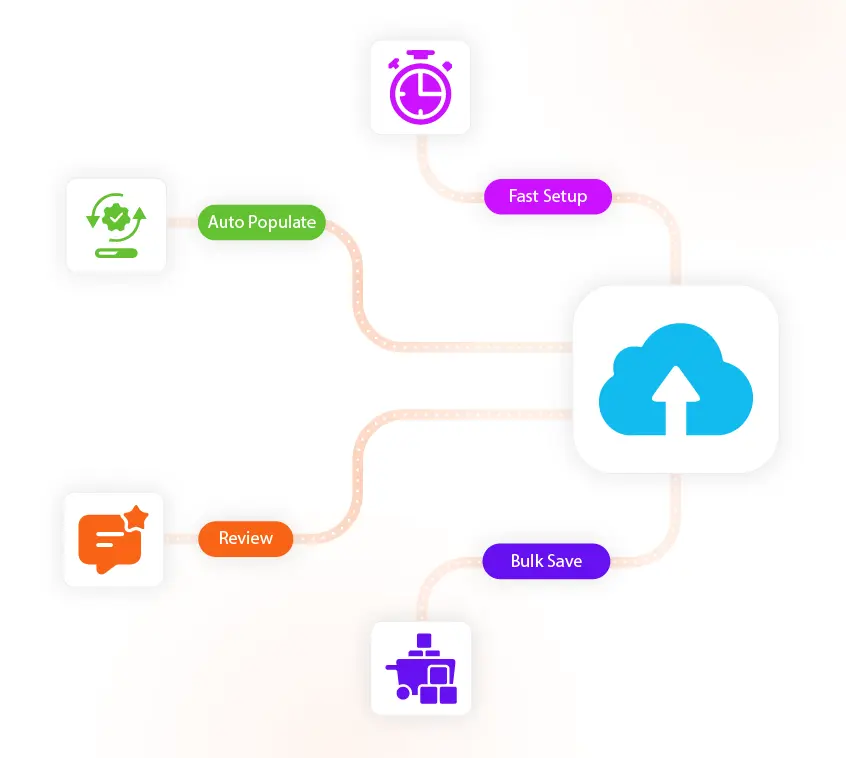
Smart Bulk Product Upload

Upload product PDFs to auto-extract data and populate product fields automatically. Review the extracted entries and save the entire product batch in a single action for fast catalog setup.

Quick View & Editing Panel

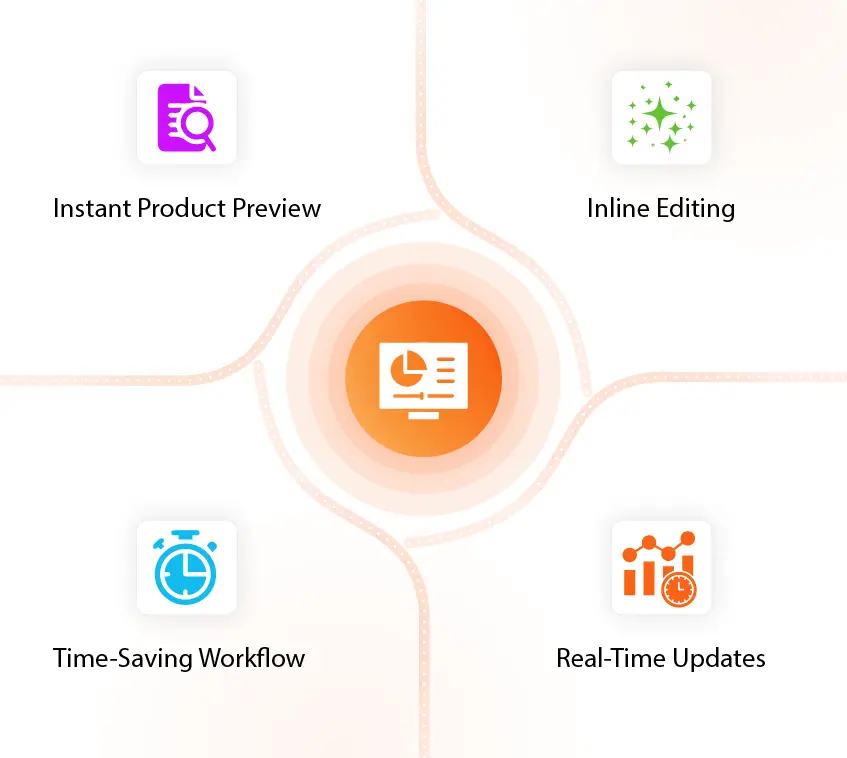
Use the integrated Quick View pane to preview product details without navigating away. Make edits instantly and keep your product information updated with minimal effort.

Inventory Capabilities

See How Capture Intelligence Helps You Identify
the Right Opportunities

Manage Your Product Catalog Efficiently And Easily
Organize and manage your entire product catalog in one place. Keep your catalog up to date, ensure accurate product data, and streamline inventory management. Our Smart system makes it easy to maintain consistency, reduce errors, and provide your team with complete product visibility.
Quickly Add And Organize Your Product Catalog
Add new products and categories to your catalog with all essential details, including SKU, product name, MSRP, type, and category. Keep your product data accurate, up to date, and well-organized.
Manage Imports, Files, and Bulk Data Efficiently

Access all import actions, uploaded files, extraction histories, and parsed data logs in one place. It centralizes your bulk operations, letting you validate, clean, and push product data to your catalog without interruptions.

Build a Smarter, More Structured Digital Catalog

Create a scalable and organized product environment that supports every part of your ecommerce workflow. With centralized control, flexible editing, and smart data handling, teams can maintain accuracy and consistency across large catalogs. Vendors, pricing, and product information stay aligned without manual effort, ensuring smoother operations and better decision-making. This foundation keeps your ecommerce module clean, dependable, and ready for growth.

Teams gain clarity, reduce manual effort, and work with the confidence 👋
Operational Benefits

Strengthen Your Ecommerce

Operations With Intelligent Tools

With clear organization, smarter tools, and structured processes, your ecommerce environment becomes easier to maintain and scale.

This foundation helps ensure smooth operations as your business grows.
FAQs

Got Questions?
We’ve Got Answers.

Find quick answers or contact our support team.

Our support team is here to guide you every step of the way. If you have any questions or need personalized assistance, reach out to us anytime — we’re just a message away.

1. How does the PDF bulk upload handle inconsistent data formats or missing fields?
The bulk upload engine runs a two-stage process: (1) Extraction & Normalization — it extracts fields and normalizes common variants (e.g., MSRP, Price, List Price) into standard columns; (2) Validation & Review — detected anomalies (missing SKU, invalid price, ambiguous category) are flagged in a review grid with suggested mappings. Users can correct entries inline, apply bulk fixes (map one value to many), or reject individual rows before final import. The system also stores the original PDF and extraction log for traceability.
2. Can I roll back a bulk import if issues are discovered after saving?
Yes. Every bulk import creates a transactional batch record. If problems are found post-save, admins can revert the batch, which undoes created/updated records and restores prior values. The rollback keeps an audit entry showing who performed the revert, when, and why — enabling safe remediation without manual data cleanup.
3. How are vendor-product relationships maintained when a vendor changes terms or is removed?
Vendor-product associations are modeled as link records separate from core product metadata. When vendor terms change (pricing, lead time, availability), the system creates a vendor-specific override entry without altering canonical product data. If a vendor is deactivated, products retain their canonical data and marked vendor links become inactive — searchable via filters — so historical transactions remain auditable and procurement workflows are not broken.
4. What controls exist to prevent accidental edits or unauthorized exports?
Role-based permissions govern every action in the Ecommerce Module. Permissions include create/edit/delete product, approve bulk imports, export product lists, and vendor mapping. Exports (Excel/CSV) can be restricted to specific roles and require an export reason logged in the activity trail. Additionally, a “pending changes” mode can require a second approver for critical edits or large batch saves.
5. How does the Quick View support rapid editorial workflows without losing context?
The Quick View opens as a lightweight panel showing key fields, change history, and recent vendor notes so editors can make targeted updates without navigating away. It supports inline edits, draft-save (staging), and a publish action. Drafts are versioned and visible to approvers; once published, changes update the product record and append an audit entry showing diff summaries for transparency.
6. What reporting and integrations exist for syncing ecommerce data with external systems?
The module provides export templates (customizable column sets), scheduled exports, and webhook/API endpoints for real-time synchronization. Typical integrations include PIMs, ERPs, and marketplaces. Each sync job logs transfer status, row-level errors, and provides retry/skip controls. Admins can map fields via a UI mapper and set field-level transformation rules (e.g., currency conversion, unit normalization) to ensure downstream systems receive clean, compatible data.

Tools to Capture. Power to Deliver. Insights to Win.

Get started with GovOps today and streamline your entire government contracting lifecycle from one unified platform.

Create your account