


Unified Tickets and
Tasks
Management
Hub
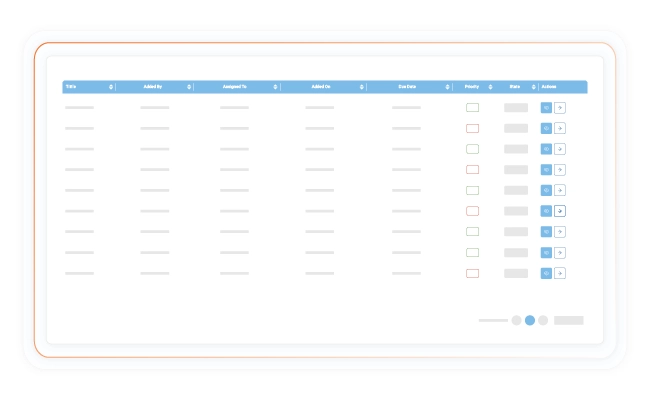
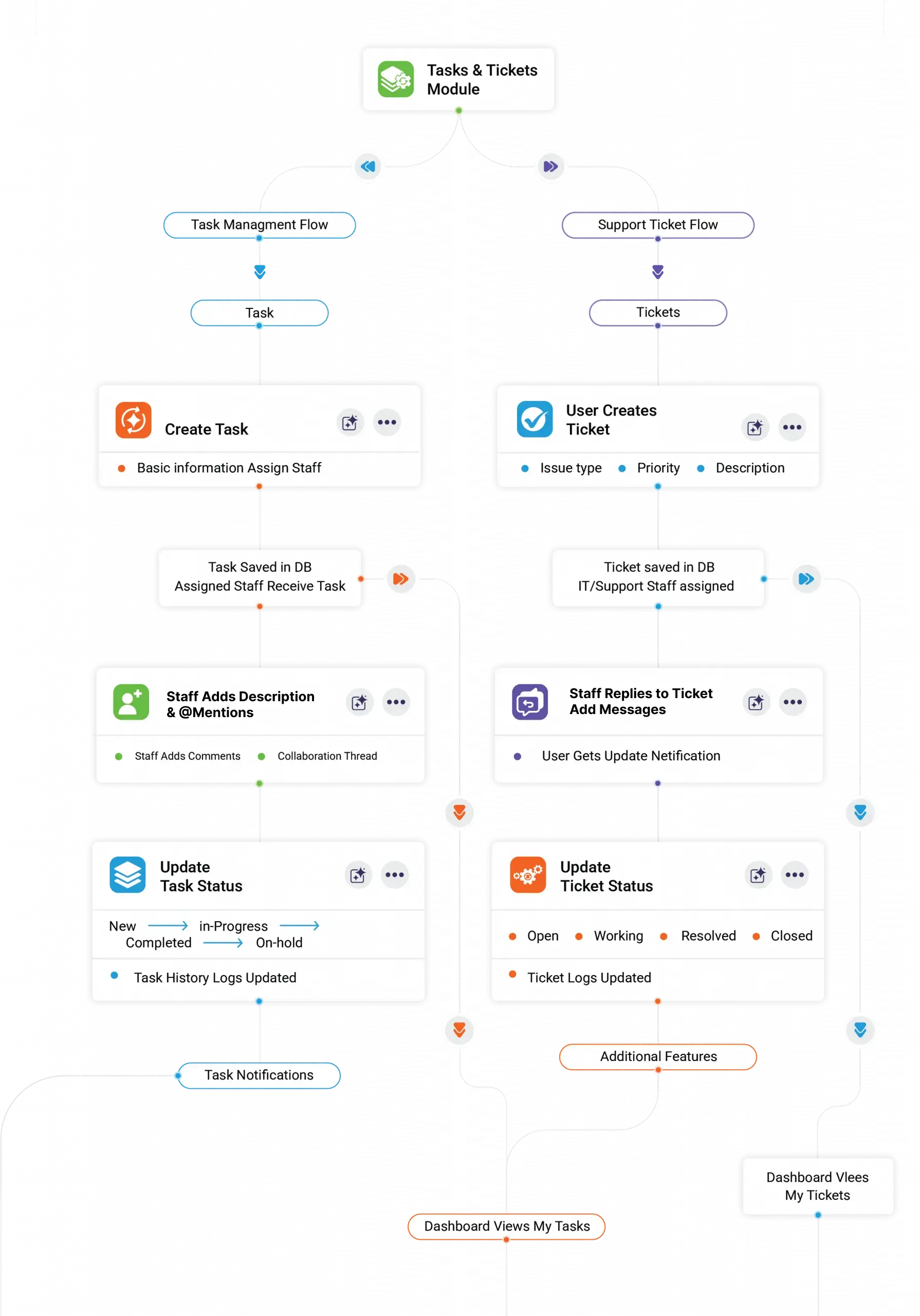
Streamline internal work and support operations in one centralized system. Create tasks, resolve tickets, assign responsibilities, collaborate with your team, and track every update through a clean, connected workflow.
Set priorities, update statuses, and track work at every stage.
Tour The Platform
Built for Streamlined Task Execution
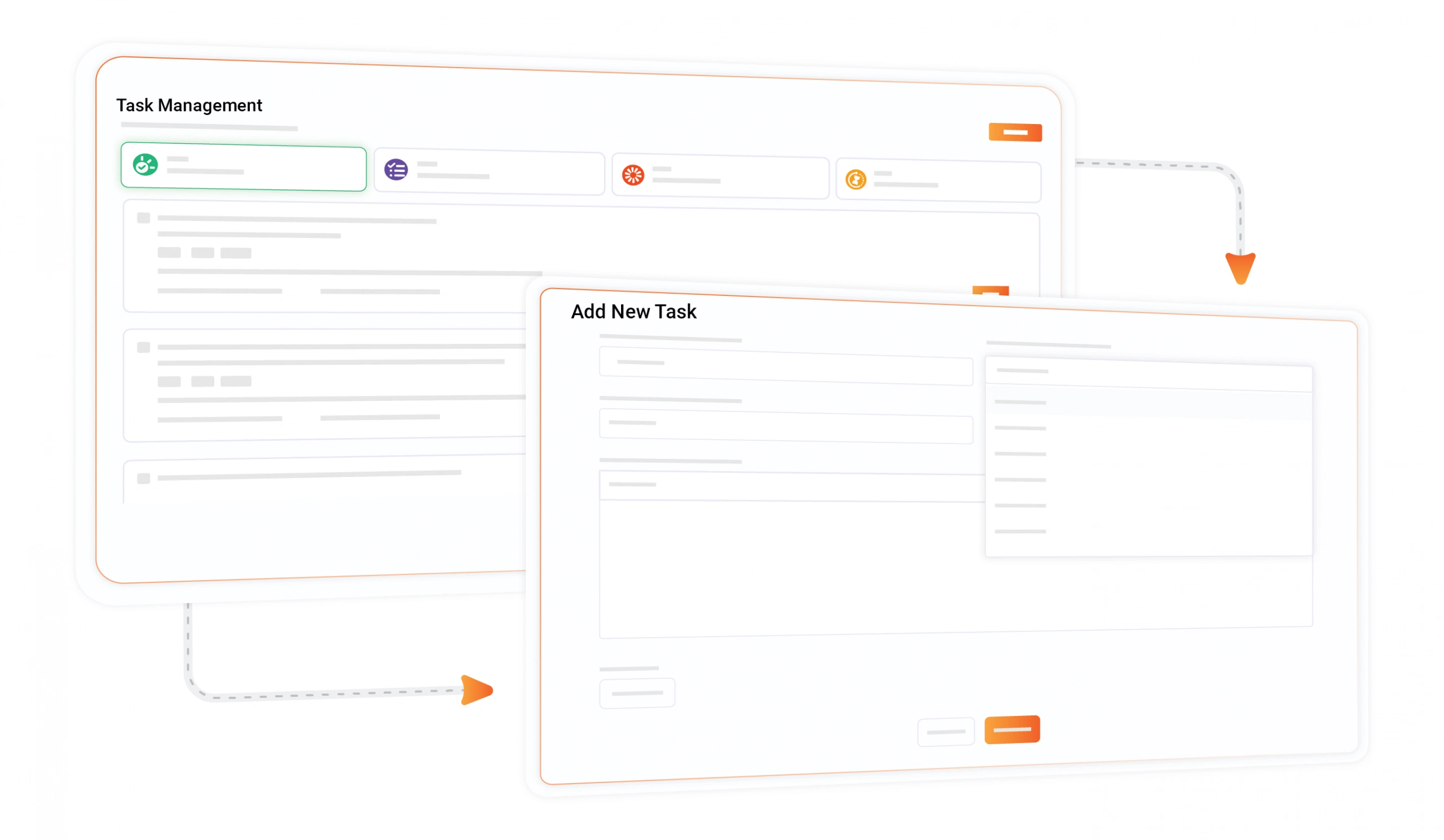
Create & Assign Tasks
Add detailed tasks with priorities and due dates, then assign them to the right team member.
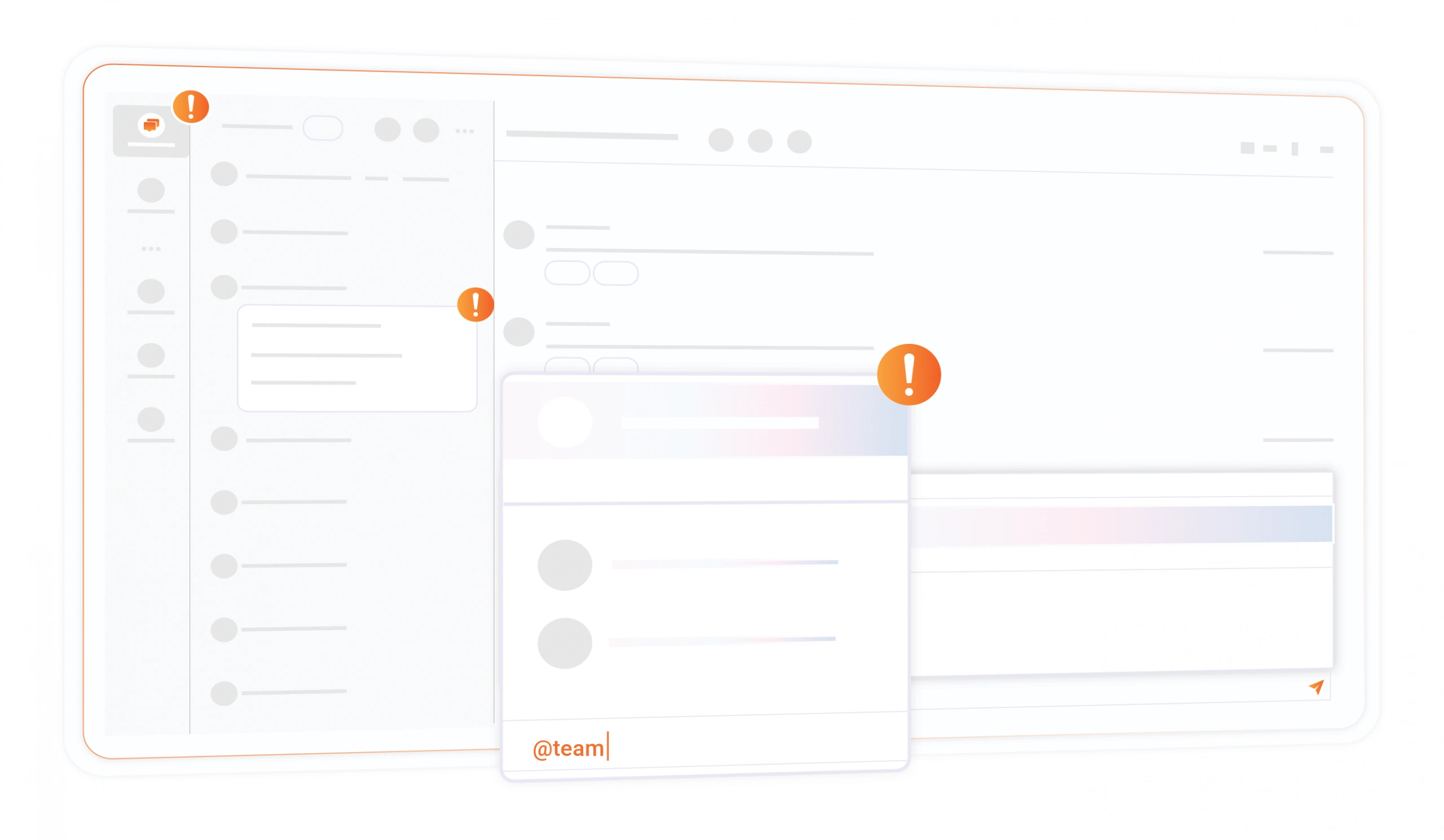
Mention-Based Collaboration
Use @mentions inside task descriptions to notify specific team members instantly.
Discussion & Comments
Team members can comment, clarify requirements, and collaborate directly inside each task.
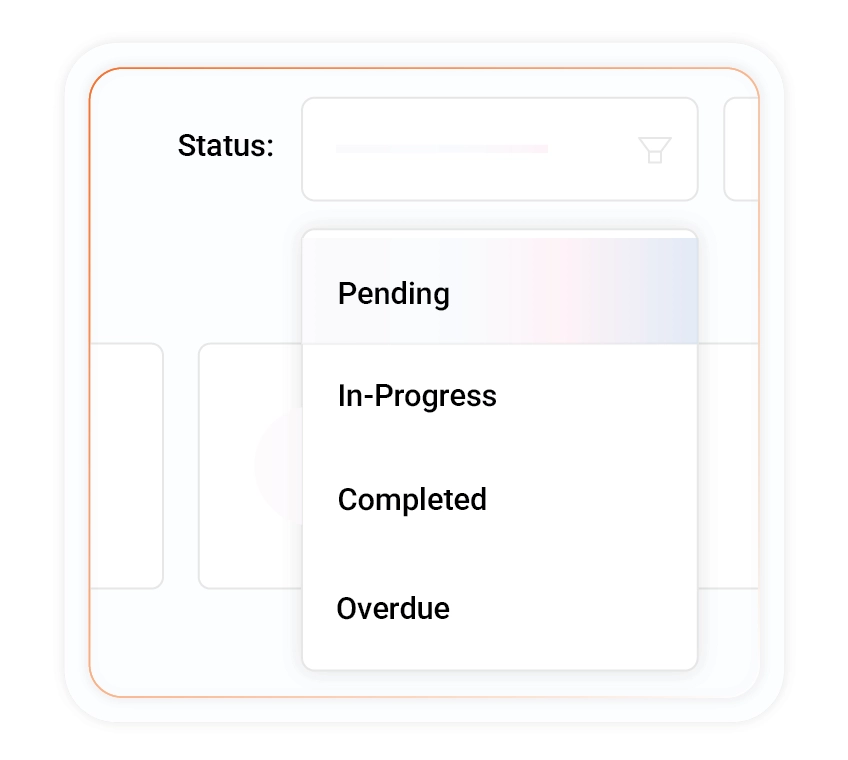
Status Progression Workflow
Easily update task stages to reflect real-time progress and bottlenecks.
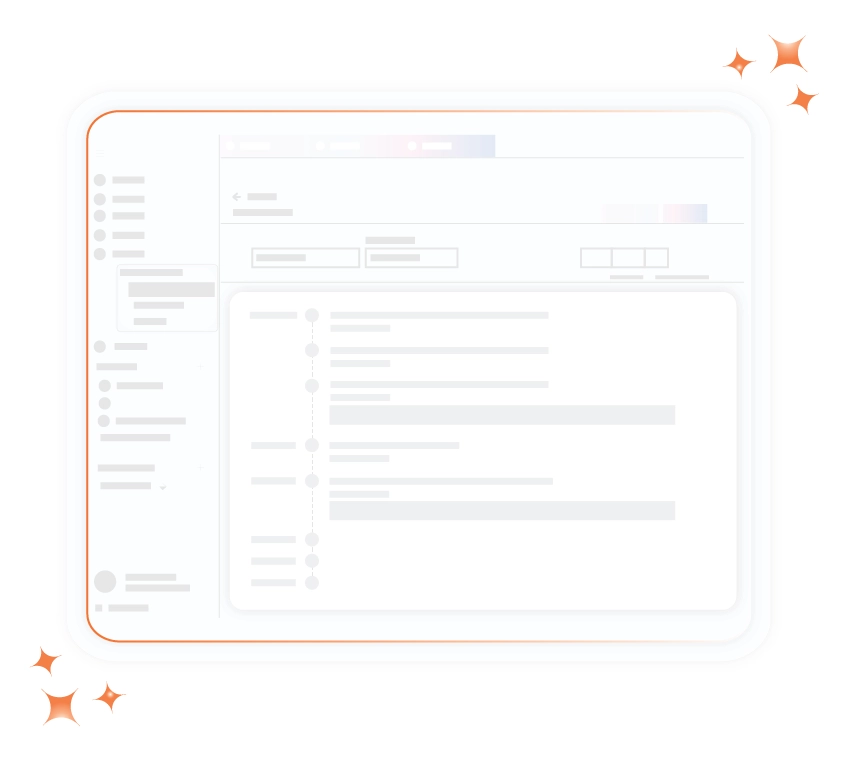
Activity Logs & History
Track every change—assignments, comments, status updates—in a complete audit trail.
Efficient Support Ticket Management
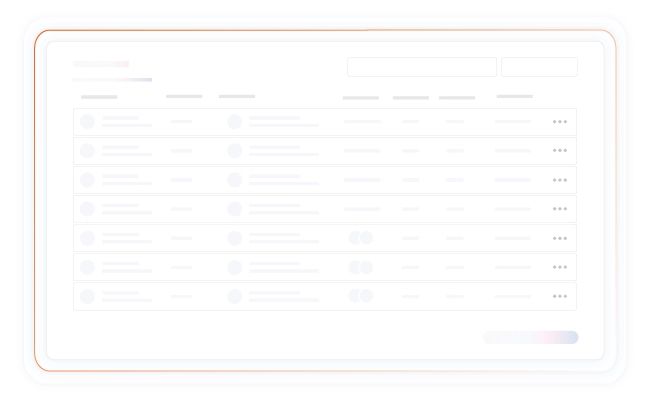
Manage all support and IT issues through a structured ticketing system. Capture detailed problem reports, collaborate with support teams, and track every update to ensure timely and transparent resolution.
Stay Informed With Intelligent Notification Controls
Maintain complete awareness across your workflow with smart alerts designed to keep your team proactive. Customize how you receive updates, monitor activity in real time, and ensure no critical deadline or change goes unnoticed.
Immediate Notifications
Receive instant reminders to act before deadlines arrive.
Customizable Preferences
Adjust notification settings based on workflow needs easily.
Continuous Monitoring
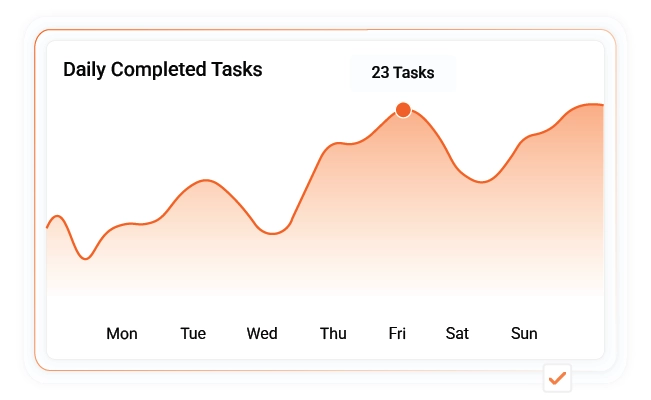
Track every update in real time for complete visibility.
Got Questions?
We’ve Got Answers.
Find quick answers or contact our support team.
Our support team is here to guide you every step of the way. If you have any questions or need personalized assistance, reach out to us anytime — we’re just a message away.
1. How can I track a task assigned to multiple team members?
2. What happens if a ticket requires escalation to higher support?
3. Can I link a ticket to an ongoing task for faster resolution?
4. How do I manage deadlines when multiple tasks depend on each other?
5. What if a task or ticket requires input from external stakeholders?
6. How do I audit who changed ticket status or updated task details?
Tools to Capture. Power to Deliver. Insights to Win.
Get started with GovOps today and streamline your entire government contracting lifecycle from one unified platform.