


GovOps360
GovOps360 GovOps360

Smart Calendar For

Automated

Events

Management

Automatically sync lead-related deadlines and add manual events to a single interactive calendar. Stay organized, track tasks, and never miss critical dates.

Lead-Driven Automation
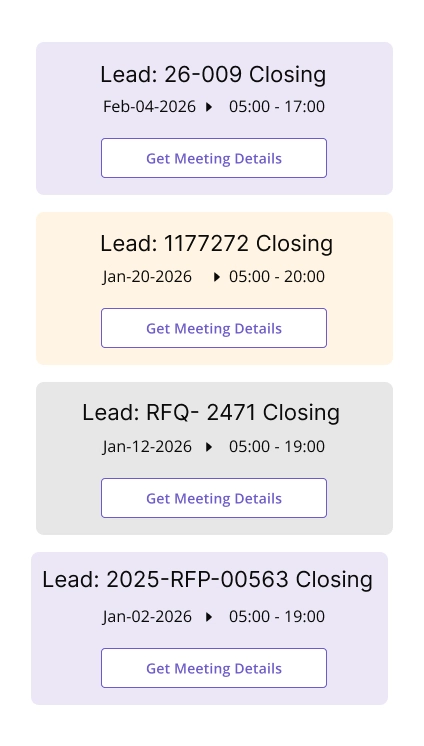
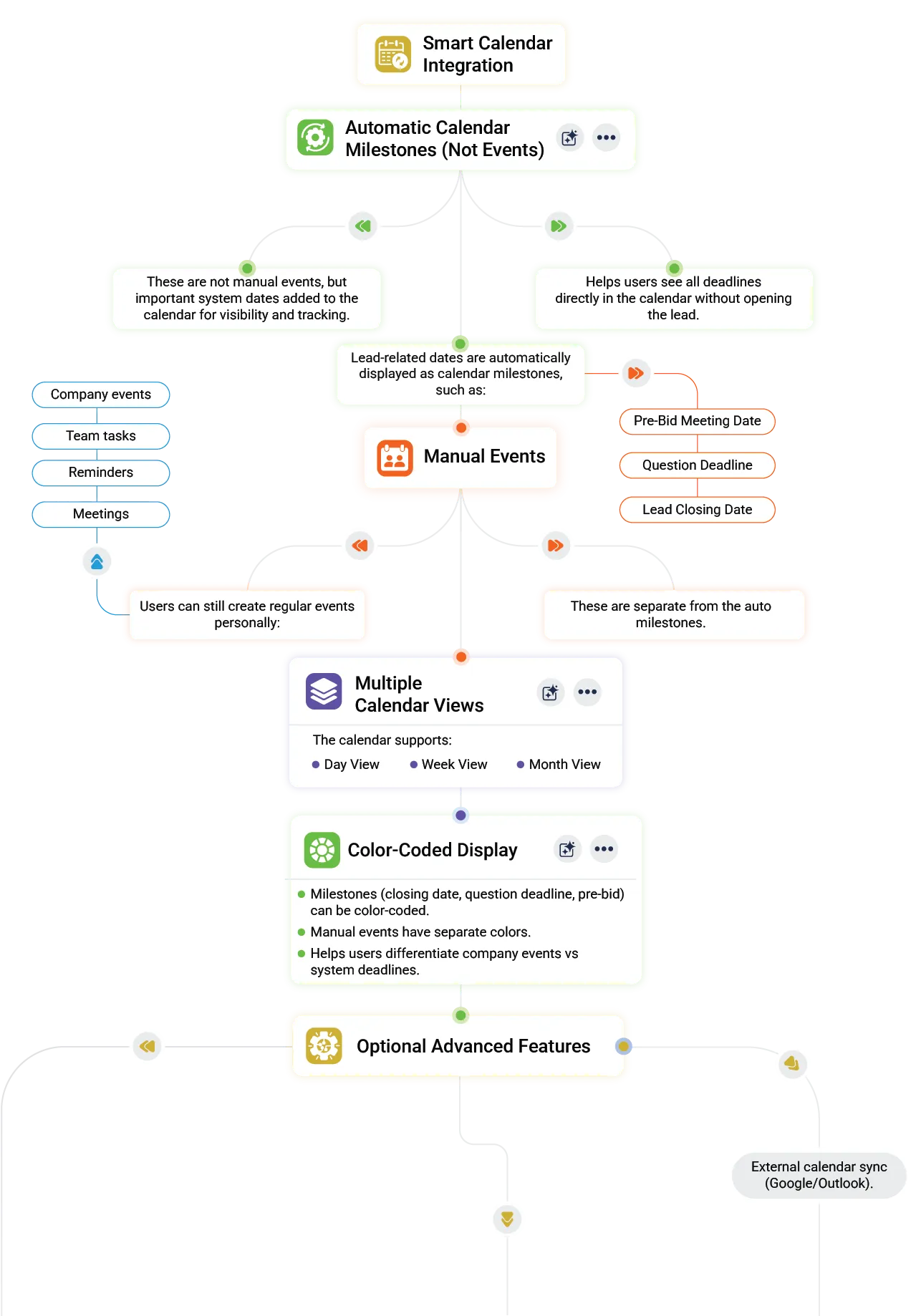
Automatically add all lead-related deadlines and milestones to the calendar for complete coverage.
Create custom events like meetings, reminders, or tasks that complement automatic events.

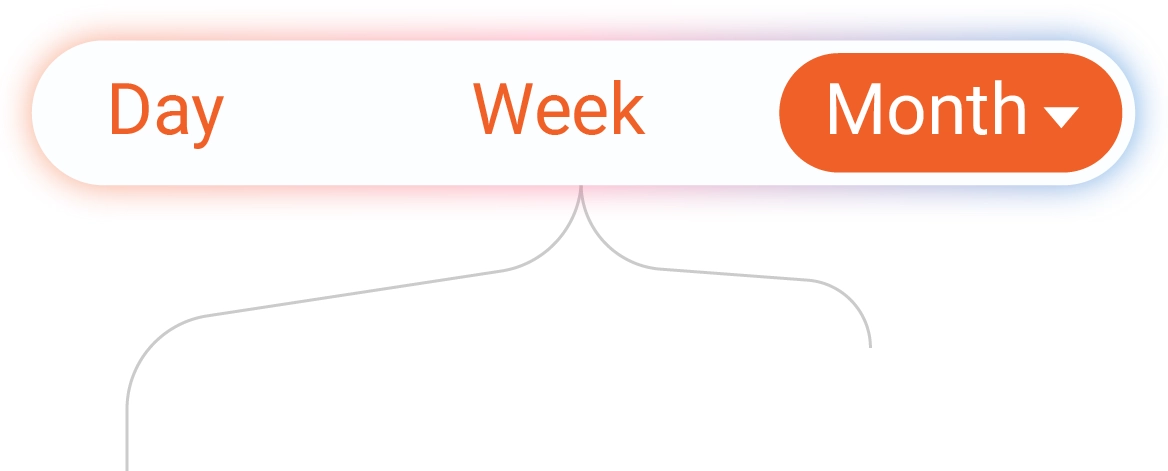
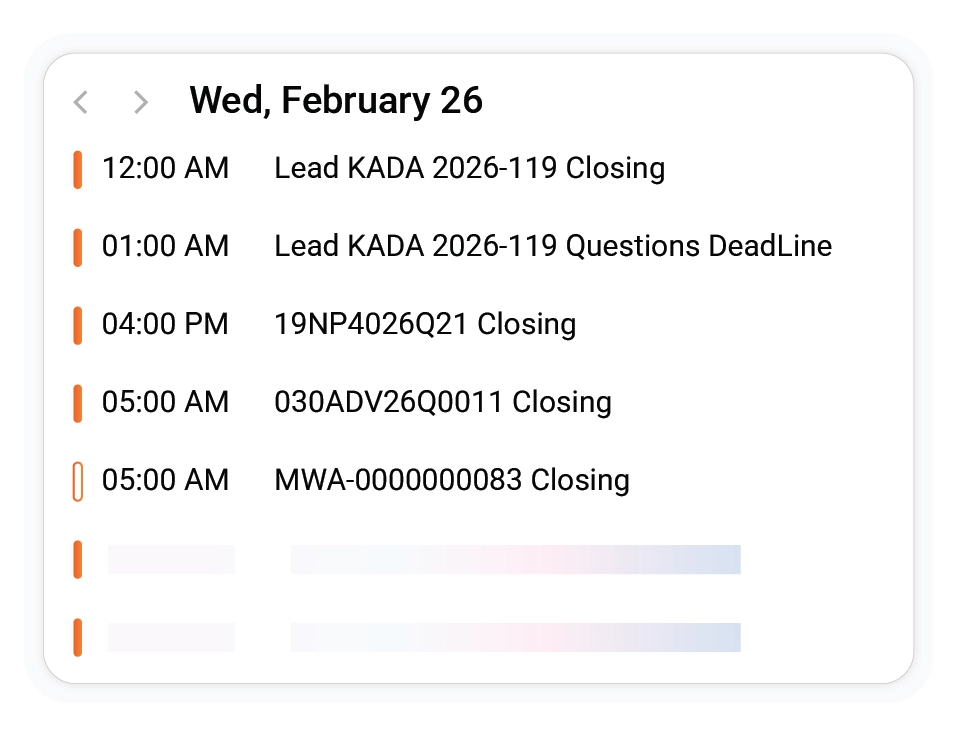
Switch seamlessly between Day, Week, Month, or Agenda/List views to plan effectively.

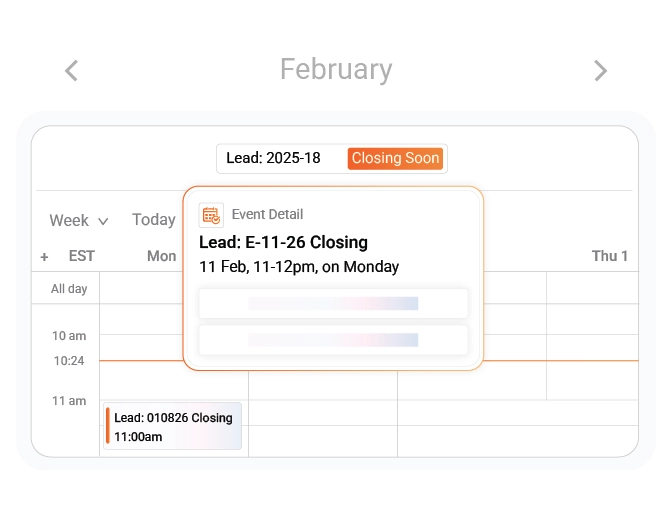
Click, hover, and view event details or update entries directly from any calendar view.
Tour The Platform
Organize All Events in One Calendar

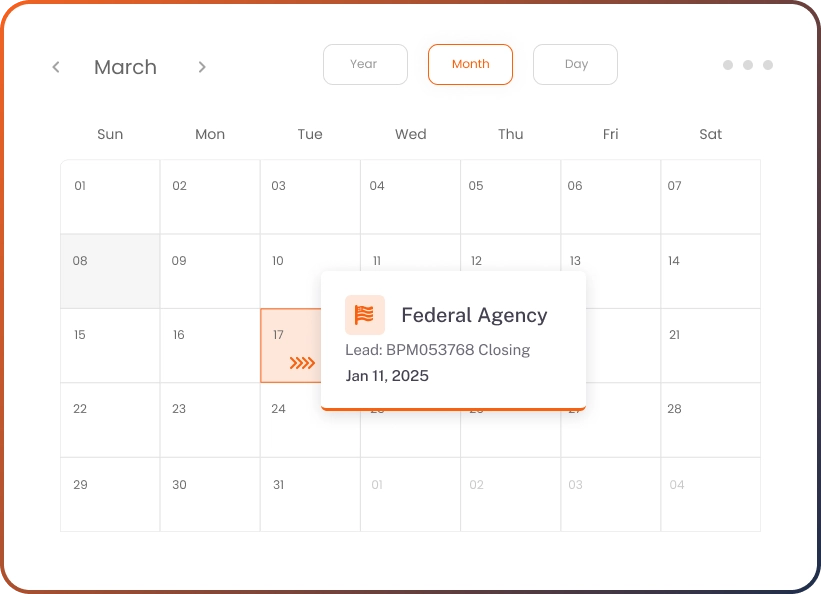
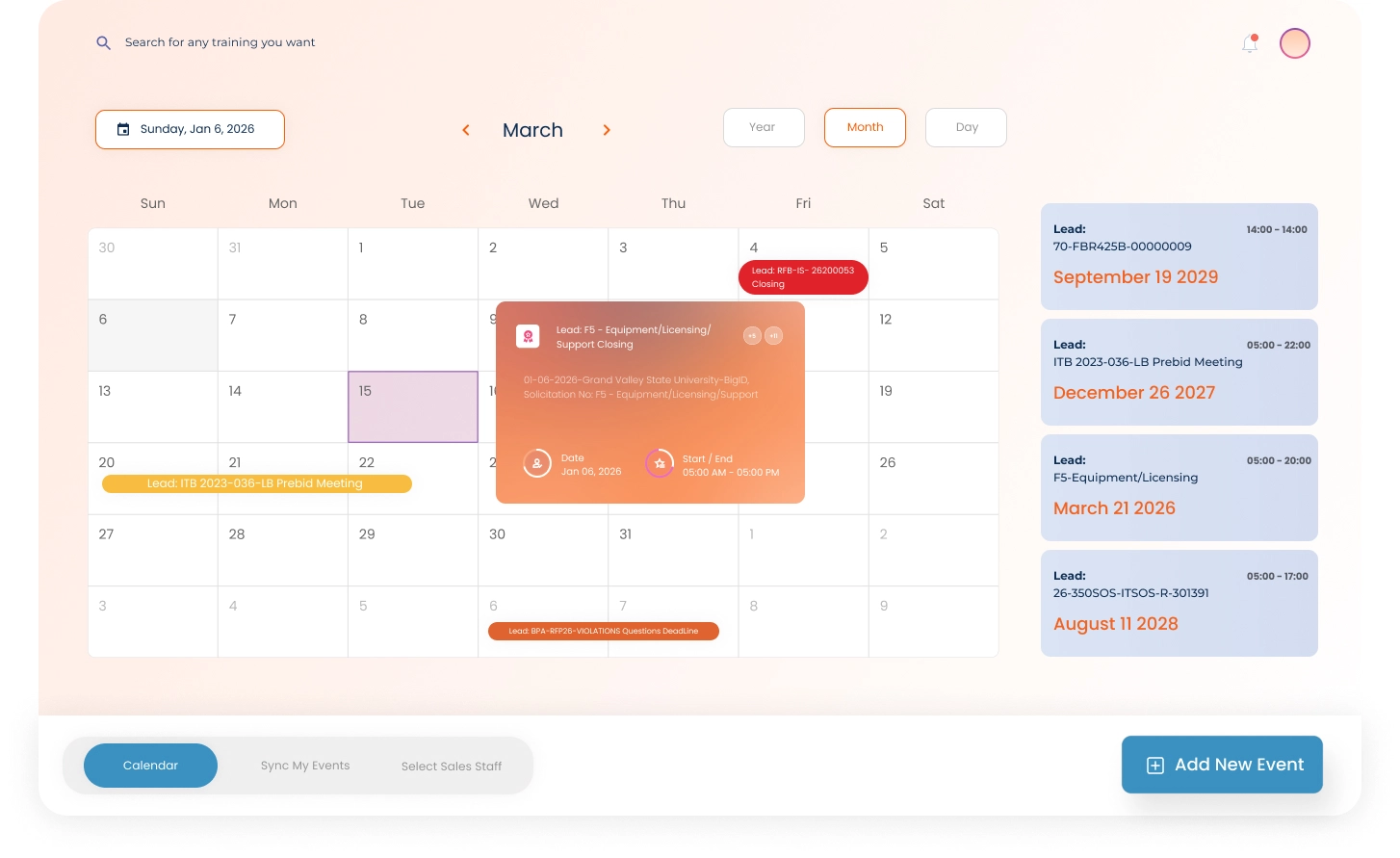
Combine automatic lead events and manual entries for a fully interactive, streamlined schedule.

Experience a unified calendar that brings together automated lead-based events and custom manual entries. Plan efficiently, view schedules clearly, and interact with every event for complete operational visibility.

01
Automatic Event Sync from Leads
All events linked to new or updated leads—closing dates, pre-bid, or question deadlines—are added automatically.
02
Manual Event Creation
Add custom events anytime for meetings, internal tasks, or reminders, integrated alongside automated events.
03
Unified Calendar Views
Toggle between Day, Week, Month, and Agenda/List views to see the full schedule at a glance.
Sync With Your Favorite Tools

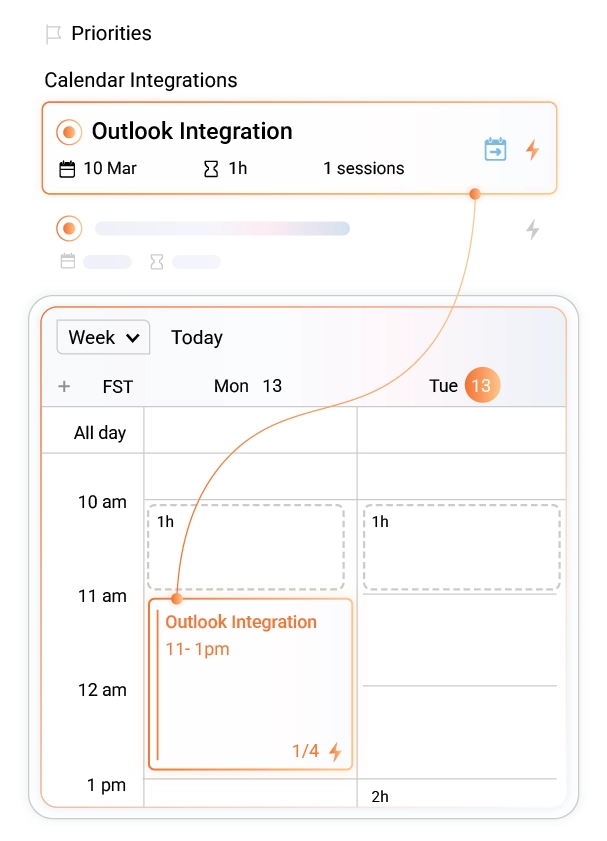
Connect your Smart Calendar directly with Microsoft Teams, Google Calendar, and Outlook to keep every deadline, meeting, and reminder perfectly aligned across platforms.

  • Microsoft Teams Sync
  • Google Calendar Integration
  • Outlook Calendar Connection
FAQs

Got Questions?
We’ve Got Answers.

Find quick answers or contact our support team.

Our support team is here to guide you every step of the way. If you have any questions or need personalized assistance, reach out to us anytime — we’re just a message away.

1. Where can I see leads that are closing soon?
You can find leads with upcoming closing dates directly in the calendar. This is where important deadlines are clearly highlighted for quick review.
2. Does the calendar stay updated automatically?
Yes! All calendar events are updated in real time. They are based on the latest lead information and hence ensuring accuracy at all times.
3. Where can I look for upcoming pre-bid meetings and Q&A deadlines?
You can view all upcoming pre-bid meetings, question deadlines, and related milestones directly in the calendar. Here, they are automatically displayed and kept up to date.
4. Can I open a calendar event to see lead details?
Yes, clicking on any event opens related information. You will find the closing date and time, including deadlines, so you can take immediate action.
5. Can multiple team members view the same calendar events?
Yes! Calendar events are visible to all team members, allowing everyone to stay aligned on timelines, meetings, and lead-related activities.

Tools to Capture. Power to Deliver. Insights to Win.

Get started with GovOps today and streamline your entire government contracting lifecycle from one unified platform.

Create your account