



Government Contractor Supply Chain, Vendors, VADs & Purchase Orders Management
GovOps360 centralizes government contractor supply chain operations, vendor profiles, value-added distributor (VAD) networks, and purchase orders in one platform connected to your active contract records and project financial tracking. Every vendor interaction, PO, and distributor relationship is logged with a full audit trail that supports FAR Part 44 purchasing system compliance and CPSR documentation requirements within a government contractor supply chain.
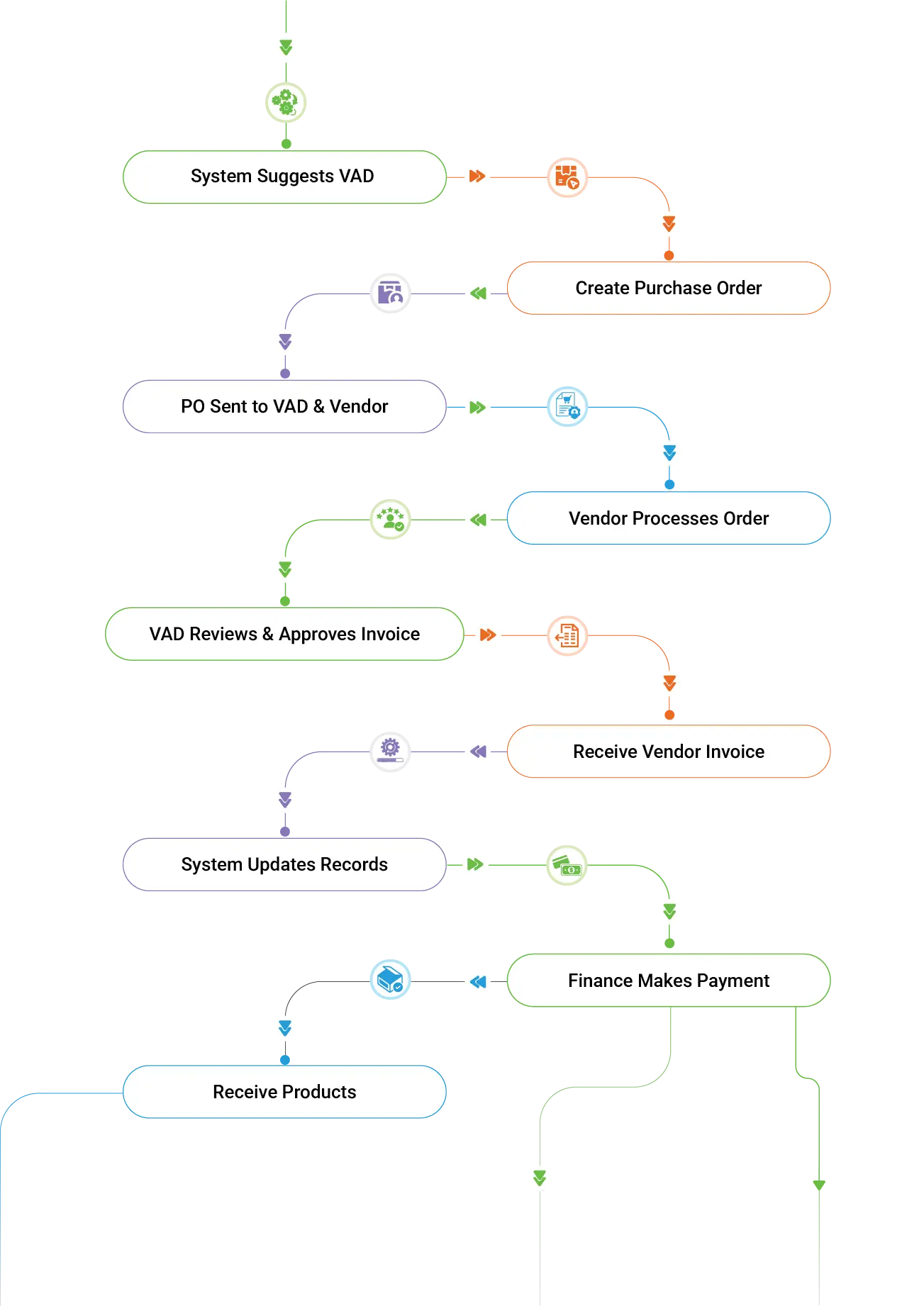


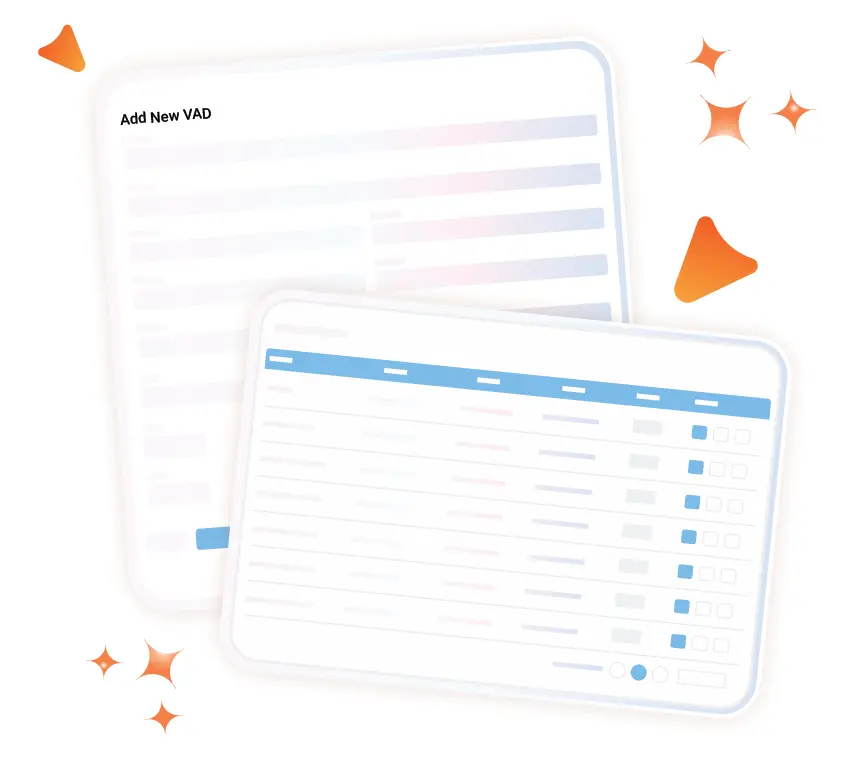
Add and manage VADs. Link each VAD to its authorized vendor lines, associated active contracts, project records, and key contacts.

GovCon Supply Chain Management: How GovOps360 Centralizes Vendors, POs & Audit Trails
GovOps360 government contractor supply chain management software centralizes vendor profiles, value-added distributor (VAD) networks, and purchase orders for federal and SLED contractors. Every PO is linked to the originating contract record, tracked through approval and delivery, and logged in a complete audit trail that supports FAR Part 44 purchasing system compliance and Contractor Purchasing System Review (CPSR) documentation requirements within a government contractor supply chain.
Five Supply Chain Management Capabilities for Government Contractors

Government Contractor Vendor Profile Management
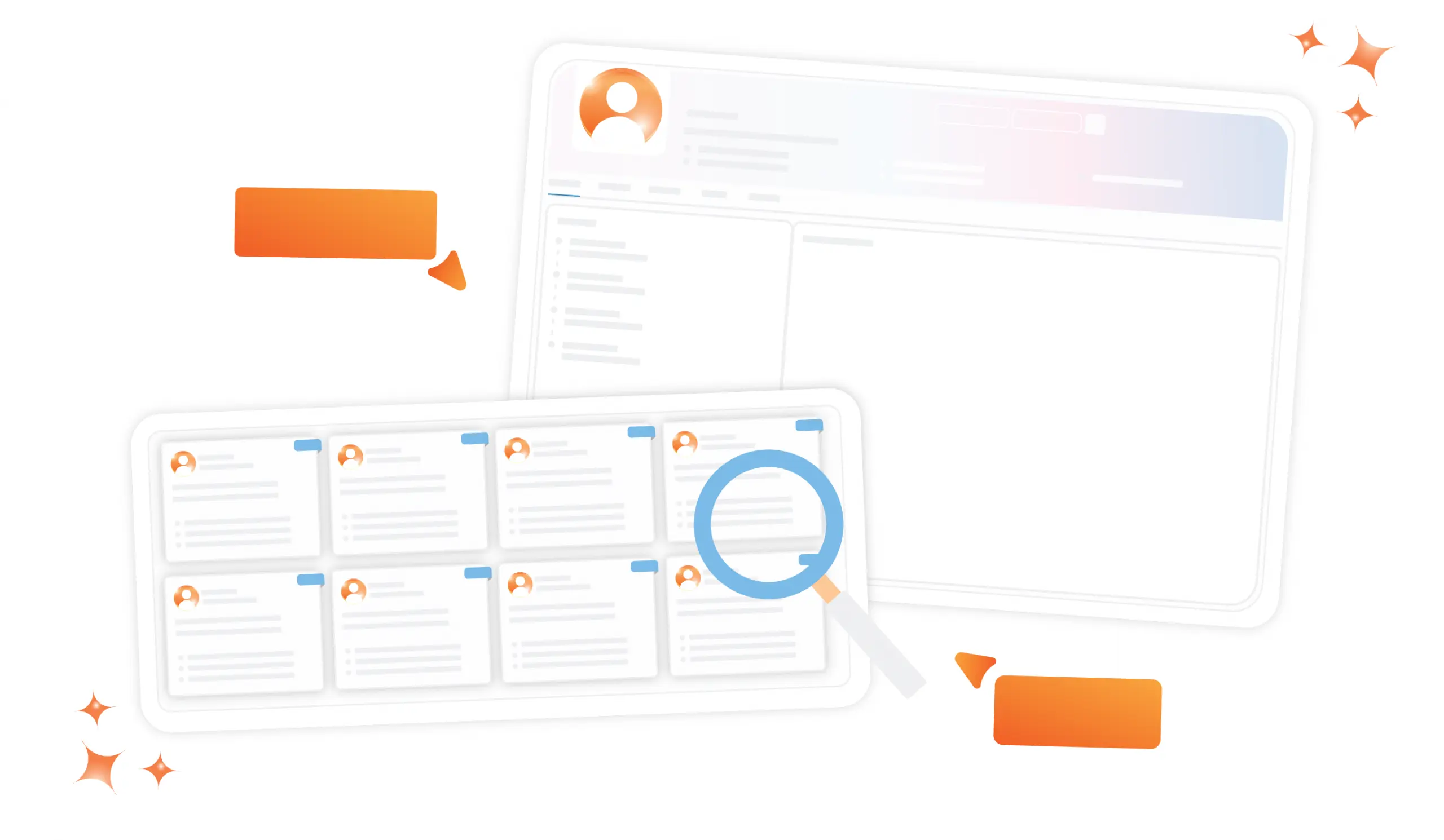
Create complete vendor profiles for every supplier in your government contracting supply chain, OEM technology partners, value-added distributors (VADs), subcontractors, staffing firms, and professional service providers within a government contractor supply chain system. Each profile stores contact information, technical capabilities, product lines, CAGE code, SAM.gov registration status, and small business certification where applicable. Vendor profiles are searchable, filterable, and linked to all associated purchase orders and contract records.
Products, Documents, Compliance & Activity
Every vendor in GovOps360 has a full-view record showing associated IT products with MPNs and MSRP pricing, key contacts, compliance documents (W-9, certificates of insurance, small business certifications), open tasks, and a complete activity log of every interaction within a government contractor supply chain. For government contractors subject to CPSR reviews, the vendor activity log provides the purchasing history documentation that DCMA procurement analysts require during audits.
Value Added Distributor (VAD) Management for IT GovCon
Create and manage value-added distributor (VAD) profiles, linking each VAD to its authorized vendor lines, active government contracts, project records, and procurement contacts. GovOps360 provides a centralized VAD management hub with full contact history, linked purchase orders, and task tracking across every distributor relationship.
Government Contractor Purchase Order Creation
Generate government contractor purchase orders directly from active leads, project records, or manually select the vendor or VAD, contract line items, products with MPN and MSRP pricing, delivery address, period of performance, and required delivery date, and add internal compliance notes.
PO Status Tracking, Vendor Invoicing & Compliance Audit Trail
Track every government contractor purchase order through its full lifecycle — from creation and approval, to transmission to the vendor or VAD, to delivery confirmation, to vendor invoice generation. Every action is logged with a timestamp and a user identity, creating a complete audit trail that supports FAR.
Four Core Supply Chain Operations for Government Contractors
Centralized Vendor Insights
Access complete vendor records for every supplier in your government contracting supply chain. View contact details, product lines, compliance certifications, CAGE code, status, and full purchase order history for each vendor. Track vendor performance across multiple government contracts on time delivery, pricing accuracy, and invoice compliance. Vendor records support FAR Part 9 contractor responsibility determinations and CPSR purchasing system documentation.
Optimize VAD Relationships
Manage your entire value-added distributor (VAD) network from a single hub link, each VAD to its authorized technology vendor lines (Cisco, Dell, HP, Lenovo, Carahsoft, and others), active government contract records, associated projects, and procurement contacts. Monitor open purchase orders by distributor, track delivery status, and maintain a complete communication history for every VAD relationship. For IT contractors managing large government technology orders through multiple distributors, GovOps360 provides unified VAD visibility across the entire supply chain.
Streamlined Order Processing
Create government contractor purchase orders linked directly to active contract records, project milestones, and vendor profiles. Each PO includes contract line item references, product details with MPN and MSRP pricing, delivery address, required delivery date, and compliance notes. POs flow through a configurable approval workflow before transmission to the vendor or VAD, ensuring pricing and quantity accuracy before any government funds are committed.
PO Actions & Tracking
Track government contractor purchase orders through every lifecycle stage. Draft, Pending Approval, Sent to Vendor, Delivery Confirmed, and Invoiced. Email POs directly to vendors and VADs from GovOps360. Generate vendor invoices from confirmed POs automatically. Download POs for contract file documentation. Every action is logged with timestamp, user, and version history, creating the CPSR-ready purchasing system audit trail.
Government Contractor Supply Chain Management
Simplify vendor management, track purchase orders, and coordinate your distribution network all in one platform for smarter, faster supply chain decisions.
Centralize all government contractor vendor data OEM partners, VADs, subcontractors, and service providers in one searchable dashboard with CAGE code, status, product lines, compliance certifications, and complete PO history.
Manage your value-added distributor (VAD) network link Ingram Micro, TD SYNNEX, Carahsoft, and other distributors to their authorized vendor lines, active contracts, and project records. Full VAD visibility across your entire government IT supply chain.
Generate government contractor purchase orders linked to active contract records with contract line-item references, MPN/MSRP product pricing, delivery schedules, and compliance documentation. Every PO is approved before government funds are committed.
Monitor vendor performance, track PO status across your entire supply chain, and maintain the complete purchasing system activity log that FAR Part 44 and CPSR audit requirements demand all in one government contractor supply chain dashboard.
How GovOps360 Supply Chain Management Compares to Other GovCon Platforms
| Capability | GovOps360 | Market-intelligence tools | ERP / finance tools | BD / proposal tools |
|---|---|---|---|---|
| Vendor & purchase-order management | ✓ | Typically not | ✓ | Typically not |
| Value-added distributor (VAD) network management | ✓ | Typically not | Limited | Typically not |
| Subcontractor management | ✓ | Typically not | Limited | Typically not |
| Linked to quotes, catalog & contracts (same platform) | ✓ | Typically not | Limited | Typically not |
- Federal Acquisition Regulation (FAR) Part 44, Subcontracting Policies and Procedures (Source: FAR Part 44 Subcontracting Policies and Procedures, acquisition.gov)
- U.S. Small Business Administration Prime and subcontracting (Source: U.S. Small Business Administration Prime and Subcontracting, sba.gov)
- Federal prime contractors subcontracted over $100 billion to small businesses in FY2023 under plans mandated by FAR Part 19. ERP platforms manage vendor records and POs as standalone post-award functions, with no connection to the pre-award capture pipeline that generated the prime contracts driving this subcontracting activity. (Source: SBA Office of Government Contracting, Subcontracting Program Report, sba.gov)
- CPSR (Contractor Purchasing System Review) is triggered for contractors with covered subcontract purchasing volume exceeding $50 million in a fiscal year, requiring a full assessment of purchasing system compliance with FAR Part 44, making structured supply chain management a regulatory necessity for government contractors above this threshold. (Source: DFARS 244.302, acquisition.gov)
- The GSA Multiple Award Schedule generates approximately $50 billion in annual federal procurement, with the IT category representing the largest product-based segment. All VAR and distributor participants are required to maintain accurate, contract-aligned vendor records and pricing data across every supply chain tier. (Source: GSA FY2024 Annual Report, gsa.gov)
Got Questions?
We’ve Got Answers.
Find quick answers or contact our support team.
Our support team is here to guide you every step of the way. If you have any questions or need personalized assistance, reach out to us anytime. We’re just a message away.
1. What is a VAD and how does GovOps360 manage them?
2. How do I add a new vendor to GovOps360?
3. Can I manage vendor products and compliance documents?
4. What is a Contractor Purchasing System Review (CPSR)?
5. How do I create a purchase order in GovOps360?
6. What are flow-down requirements and how does GovOps360 support them?
7. Can I send POs directly to vendors and generate invoices?
8. Is there an audit trail for all PO and vendor activities?
9. What is FAR Part 44 and why does it matter for government contractor supply chains?
10. Does GovOps360's supply chain module connect to contract lifecycle management and invoicing?
Manage Your Government Contractor Supply Chain in One Platform
GovOps360’s Supply Chain Management module gives government contractors control over vendor profiles, VAD networks, and purchase orders with a CPSR-ready audit trail, FAR Part 44 purchasing compliance documentation, and direct integration with contract records, project financial tracking, and the invoicing module. Replace disconnected vendor spreadsheets, email-based PO management, and separate procurement tools with one connected government contracting platform.