



From Award to Closeout Government Contract Lifecycle Management Software
GovOps360 automatically converts every won government contract into a fully managed project powered by contract lifecycle management, carrying over all scope documents, team assignments, and financial terms from the pursuit stage. From contract award through deliverables tracking, invoicing, modifications management, and contract closeout, every stage is centralized in one platform.
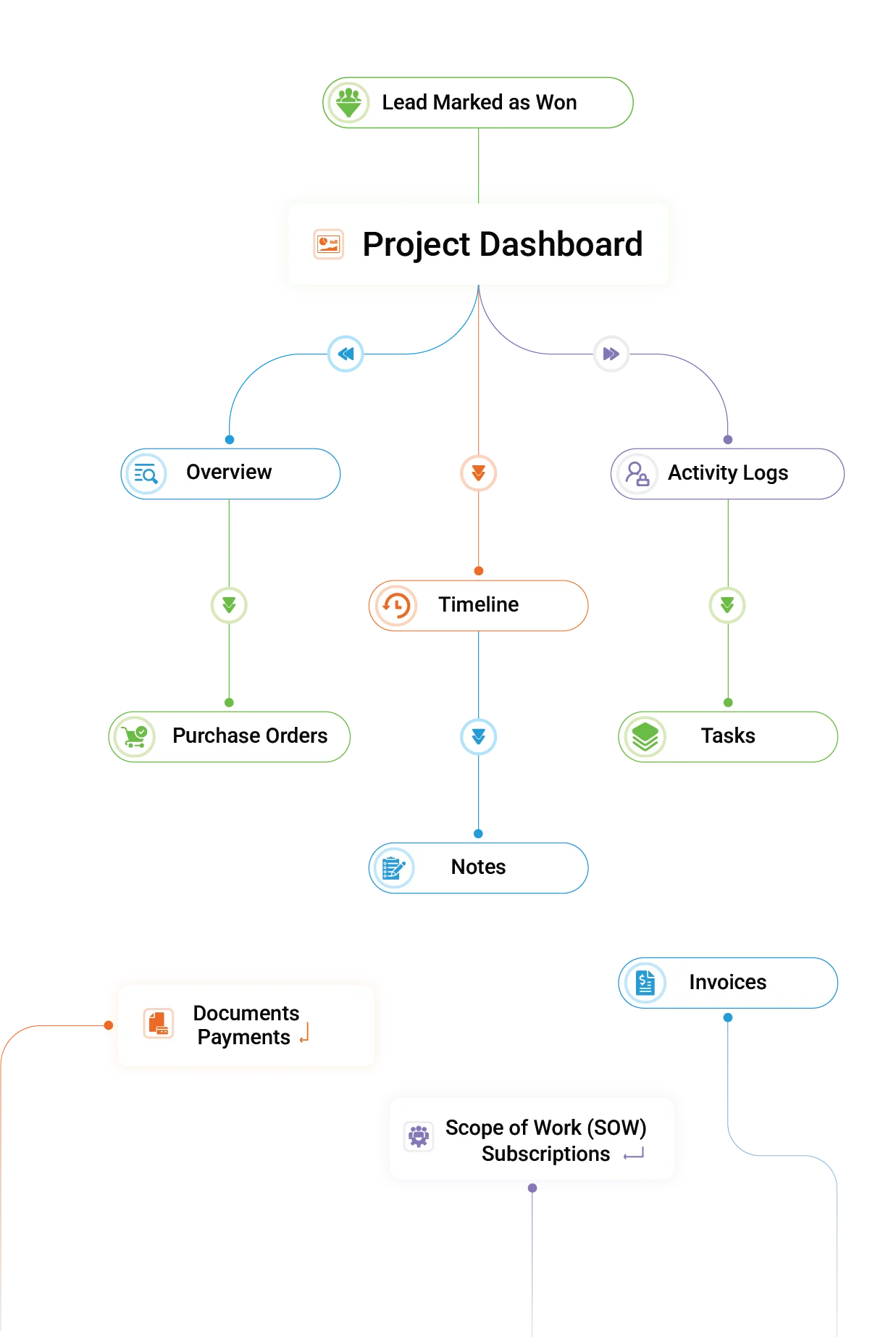

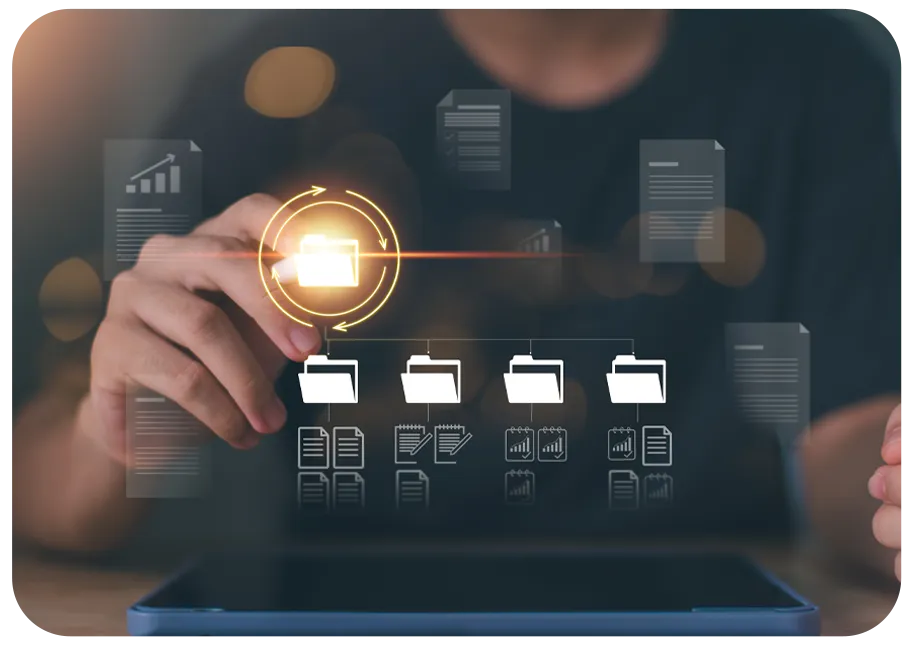
Every contract document, the award letter, statement of work, contract modifications, CDRLs, vendor purchase orders, and period of performance schedules are automatically organized in structured folders inherited from the lead stage.
Contract Lifecycle Management: How GovOps360 Automates Post-Award from Award to Closeout
Five Stages of Government Contract Lifecycle Management Automated

- Instant project creation
- Preserves lead details
- Transfers contacts
- Maintains historical data
- Team notified instantly
Automated Contract-to-Project Conversion on Award
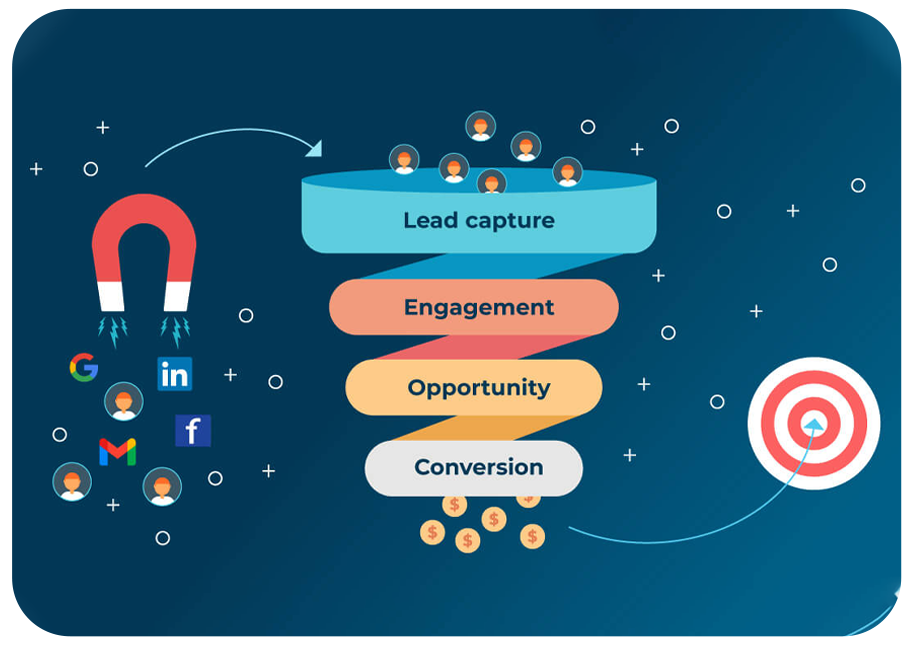
The moment a lead is marked Won in GovOps360, the platform automatically creates a structured project — transferring the complete lead record including scope of work, all proposal documents, team member assignments, vendor quotes, financial terms, and period of performance dates. The contracts team receives an instant notification with all context in place. Your contract delivery starts organized from day one — not after a week of manual setup.
Real-Time Government Contract Dashboard
Every active contract is managed from a single dashboard in GovOps360 — showing contract value, deliverable status, active milestones, outstanding invoices, vendor purchase orders, and team task assignments in one real-time view. Role-based access ensures contracts staff, program managers, and executives each see the data relevant to their role. No more scattered spreadsheets, email threads, or disconnected project management tools.
- Define Project Scope
- Set Task Priorities
- Progress Tracking
- Monitor Milestones Easily
SOW, Milestones & Contract Timeline Management
Define the full contract scope of work, break it into deliverable milestones with due dates and responsible team members, and track progress against the contract's period of performance. GovOps360 flags at-risk milestones before they become missed deliverables and sends automatic reminders to task owners and program managers when deadlines approach. Government contracts have zero tolerance for missed deliverables and GovOps360 keeps your team ahead of everyone.
- Generate Project Invoices
- Track Invoice Status
- Manage Purchase Orders
- Sync Payments Automatically
- Monitor Subscriptions
- Financial Reports Available
Contract Invoice Generation, POs & Financial Tracking
Generate government customer invoices directly from project milestones and deliverable completions. Manage vendor purchase orders, track subcontractor payments, and monitor subscription renewals all linked to the active contract record. Financial activity syncs with the GovOps360 accounting module for real-time receivables reporting and DCAA-aligned cost tracking. Every dollar earned against every contract is visible in one place.
-
Create and assign and track task status1
-
Set task priorities and log project activity2
-
Transparent team performance3
Contract Task Management, Activity Logs & Audit Trail
Every action taken on a government contract in GovOps360 is logged task assignments, status changes, document uploads, financial updates, and team communications. Program managers have a complete audit trail of contract activity for compliance reporting, DCAA audits, and post-award debrief documentation. Assign tasks with priorities and due dates, track team performance, and maintain the accountability record that government contract administration demands.
Five Tools for Complete Government Contract Lifecycle Management
Automated Contract-to-Project Conversion
GovOps360 transforms won government bids into structured, managed projects automatically no manual setup required. Organize project documents, create task assignments, set milestone dates, and sync the contract calendar with your team, all with the complete lead record already in place. From contract award to first deliverable, your team has everything it needs on day one.
Contract Document Management Organized, Accessible, Auditable
Every government contract document is automatically organized in GovOps360 award letters, statements of work, contract modifications, CDRLs, vendor purchase orders, subcontract agreements, period of performance schedules, and invoices in structured folders shared across the contract team. Documents carried over from the proposal stage are already in place when the project begins. Full version control and access logs support audit requirements.
AI Scope of Work Extraction & Contract Requirements Mapping
GovOps360’s AI reads the contract award documents and automatically generates a structured Scope of Work mapping every deliverable, technical requirement, reporting obligation, and period of performance milestone to a trackable project task. Contract managers spend minutes, not days, setting up a new government contract for execution. Every requirement is accounted for before work begins.
Contract Timeline Tracking & Subscription Management
Track every contract milestone, option period, subscription renewal, and deliverable deadline in GovOps360’s integrated contract calendar synced with Microsoft 365 and Google Workspace. Automated reminders notify program managers and contract administrators before critical dates. Option year renewals and base period expirations are flagged months in advance, giving your team time to plan, negotiate, and document rather than scrambling at the deadline.
Government Contract Invoice Management, POs & Financial Reporting
Generate government customer invoices tied directly to contract milestones and completed deliverables. Manage vendor purchase orders, subcontractor payments, and subscription billing, all linked to the contract record. Financial data syncs in real time with the GovOps360 accounting module, generating receivables reports, payables summaries, and project profitability tracking. DCAA-aligned cost documentation is maintained automatically throughout the contract lifecycle.
How GovOps360 Contract Lifecycle Management Compares to Other GovCon Platforms
Government contractors often rely on multiple applications to manage different stages of the contract lifecycle. While some platforms focus on post-award operations, the earlier phases of business development, capture, and proposal management typically remain disconnected. GovOps360 unifies the entire lifecycle by bringing opportunity identification, capture, proposal development, contract execution, and closeout into a single connected platform.
| Capability | GovOps360 | Market-intelligence tools | ERP / finance tools | BD / proposal tools |
|---|---|---|---|---|
| Central project dashboard (tasks, docs, timeline) | ✓ | Typically not | ✓ | Typically not |
| Scope & milestone tracking | ✓ | Typically not | ✓ | Limited |
| Invoices, POs & payment tracking per contract | ✓ | Typically not | ✓ | Typically not |
| Convert awarded proposal to managed project automatically | ✓ | Typically not | Limited | Typically not |
| AI scope-of-work extraction into project setup | ✓ | Typically not | Typically not | Limited |
| Linked back to capture & proposal history (same platform) | ✓ | Typically not | Typically not | Typically not |
- Federal Acquisition Regulation (FAR) Part 42, Contract Administration and Audit Services (Source: FAR Part 42 Contract Administration and Audit Services, acquisition.gov)
- Of the $773 billion in federal contracts awarded in FY2024, every dollar begins as an opportunity in a BD pipeline, yet ERP platforms like Deltek Costpoint engage only after award, providing post-award financial management without any integration to the pre-award capture or proposal process that generated the contract. (Source: USASpending.gov FY2024 / deltek.com/en/products/costpoint)
- The Project Management Institute reports that organizations operating across fragmented project management tools waste an average of 11.4% of project investment due to poor performance and uncoordinated execution. For government contractors managing multi-year contracts across disconnected BD and delivery systems, this overhead directly impacts profitability. (Source: PMI Pulse of the Profession 2021, pmi.org)
- Federal contract awards to small businesses exceeded $161 billion in FY2024, each award initiating a contract lifecycle requiring systematic management from kickoff through closeout. (Source: USASpending.gov FY2024 Small Business Report)
Got Questions?
We’ve Got Answers.
Find quick answers or contact our support team.
Our support team is here to guide you every step of the way. If you have any questions or need personalized assistance, reach out to us anytime. We’re just a message away.
1. What is government contract lifecycle management software?
2. Does GovOps360 automatically convert won bids into managed projects?
3. What is post-award contract management in government contracting?
4. What are the stages of the government contract lifecycle?
(1) Opportunity identification and capture
(2) Proposal development and submission,
(3) Contract award and negotiation
(4) Contract execution and deliverables management
(5) Contract modifications and option year exercises
(6) Contract closeout and past performance documentation
GovOps360 manages stages 1 through 6 in one unified platform — from the first opportunity captured to the final contract closeout record.
5. What is a contract modification in government contracting?
6. What is DCAA compliance in government contracting?
7. What is CPARS in government contracting?
8. Can GovOps360 track contract deliverables and milestones?
9. How does GovOps360 handle government contract invoicing?
10. Does GovOps360 support subcontract management for government contracts?
11. How does GovOps360 connect contract lifecycle management to earlier stages like capture and proposals?
Manage Every Government Contract from Award to Closeout in One Platform
GovOps360 gives government contractors one platform to manage the full contract lifecycle from the moment a bid is won through scope management, deliverables tracking, invoice generation, modifications handling, and final contract closeout. Government contractors managing multiple active contracts report eliminating hours of weekly administrative work by replacing disconnected spreadsheets and tools with GovOps360’s automated contract lifecycle management.